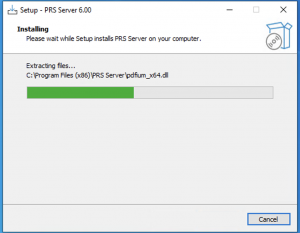
Double-click the downloaded file to begin the installation process.
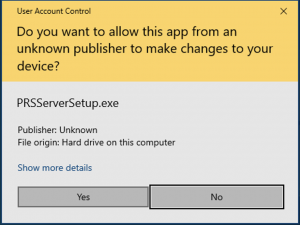
At the security prompt, click "Yes" to continue:Security Check for PRS Server installer
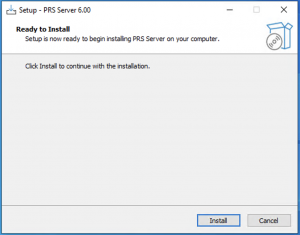
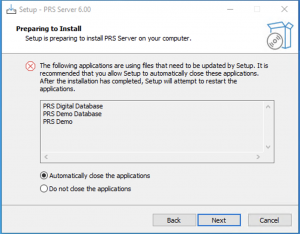
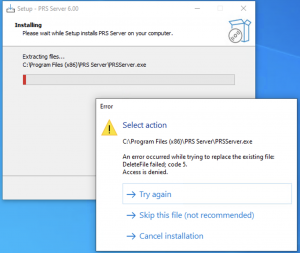
Click "Install" to begin the installation processServer Installation Start ScreenNOTE: PRS Server operates as a series of self-installed services, which may already be running at the point of installation or update. If this is the case, these services will need to be stopped prior to installation, as shown below. Shutting down existing servicesIf this screen appears, wait a few moments before clicking the "Try again" button.
PRS Server will now begin to install or update itself.
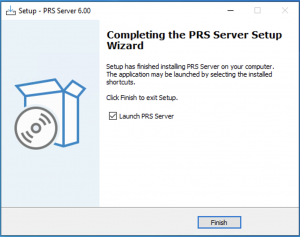
Once the update is complete, the following confirmation box will appear. Tick "Launch PRS Server" and click "Finish" to begin configuring the individual PRS Services. (Any existing services will be restarted at this time.)