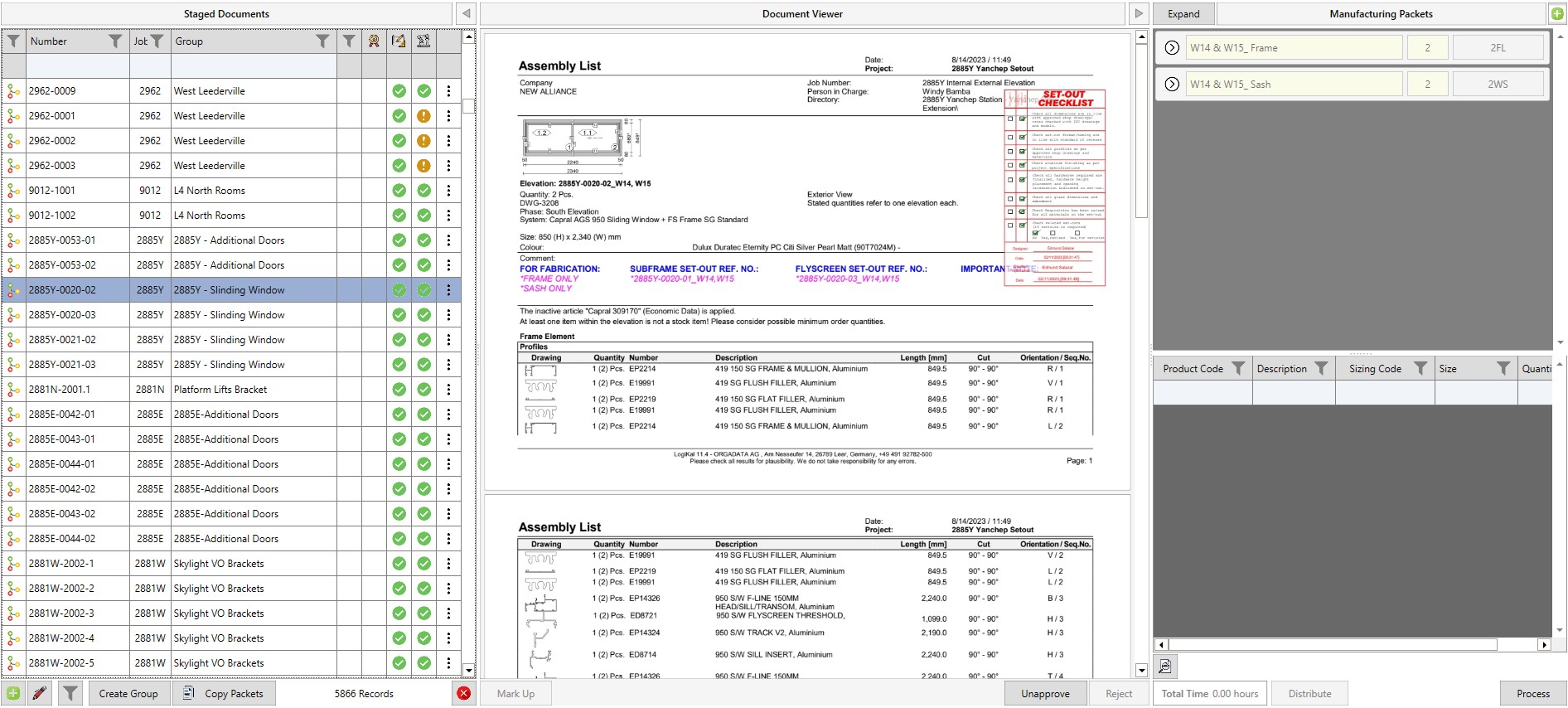
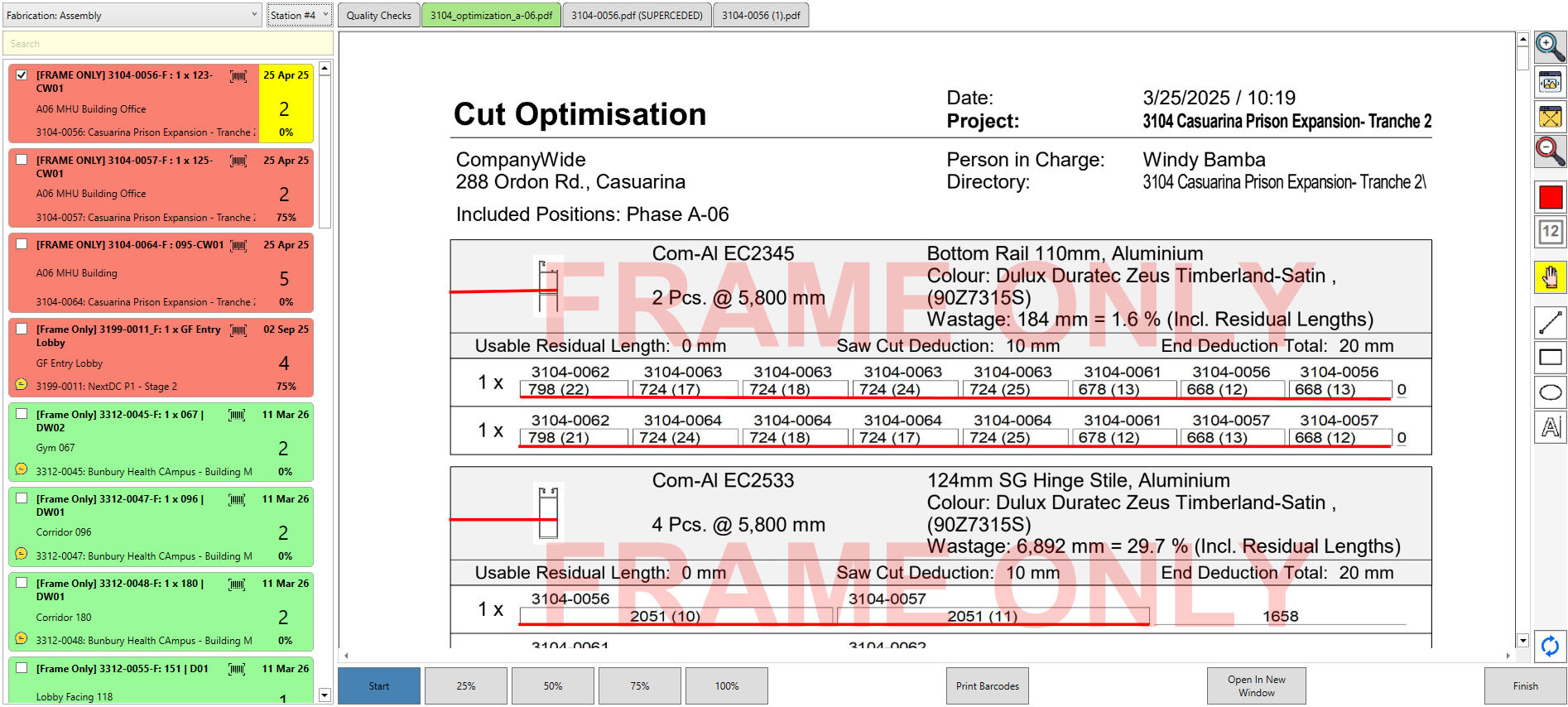
Designs uploaded are on the left, a preview is shown in the centre, and the packets for that design are shown on the right hand side
Designs
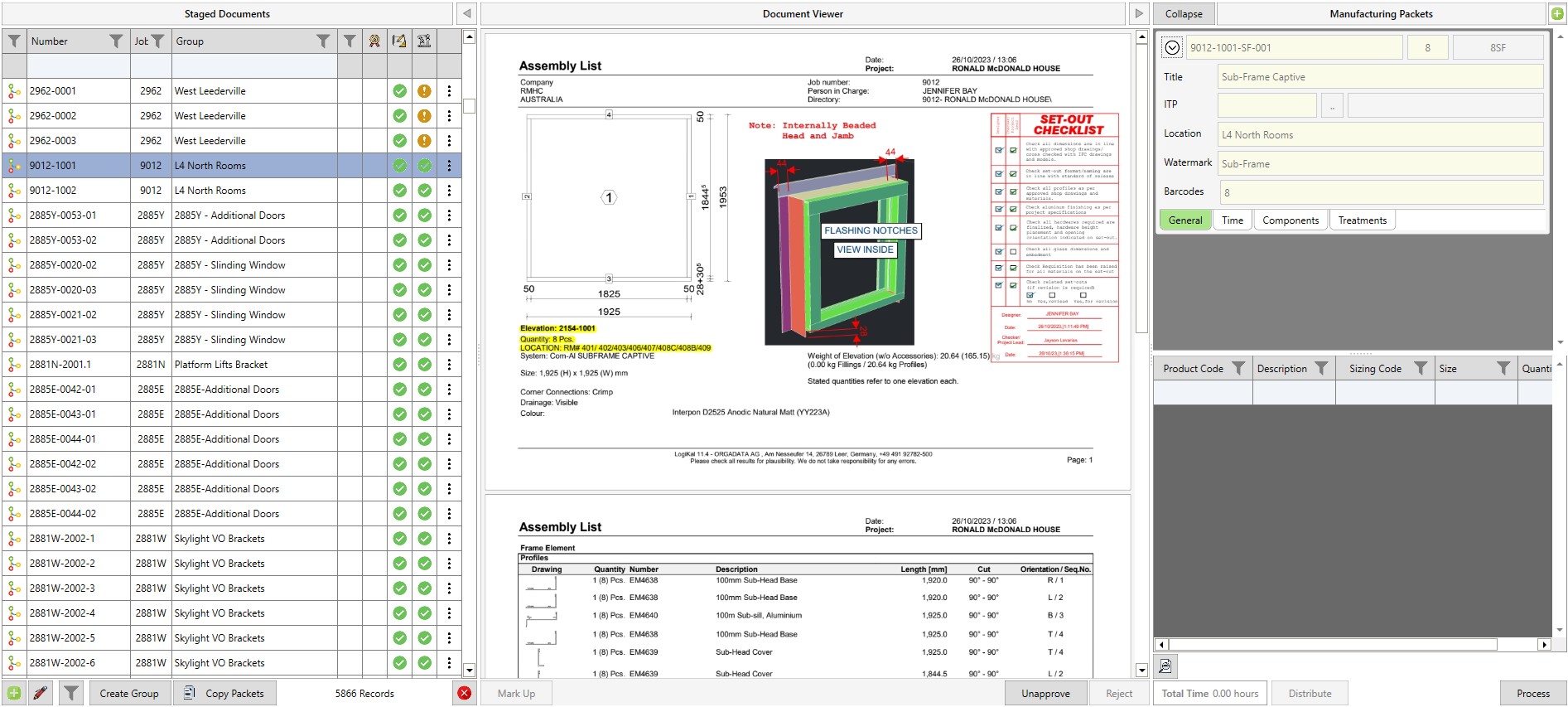
A second example with the packet information shown on the right
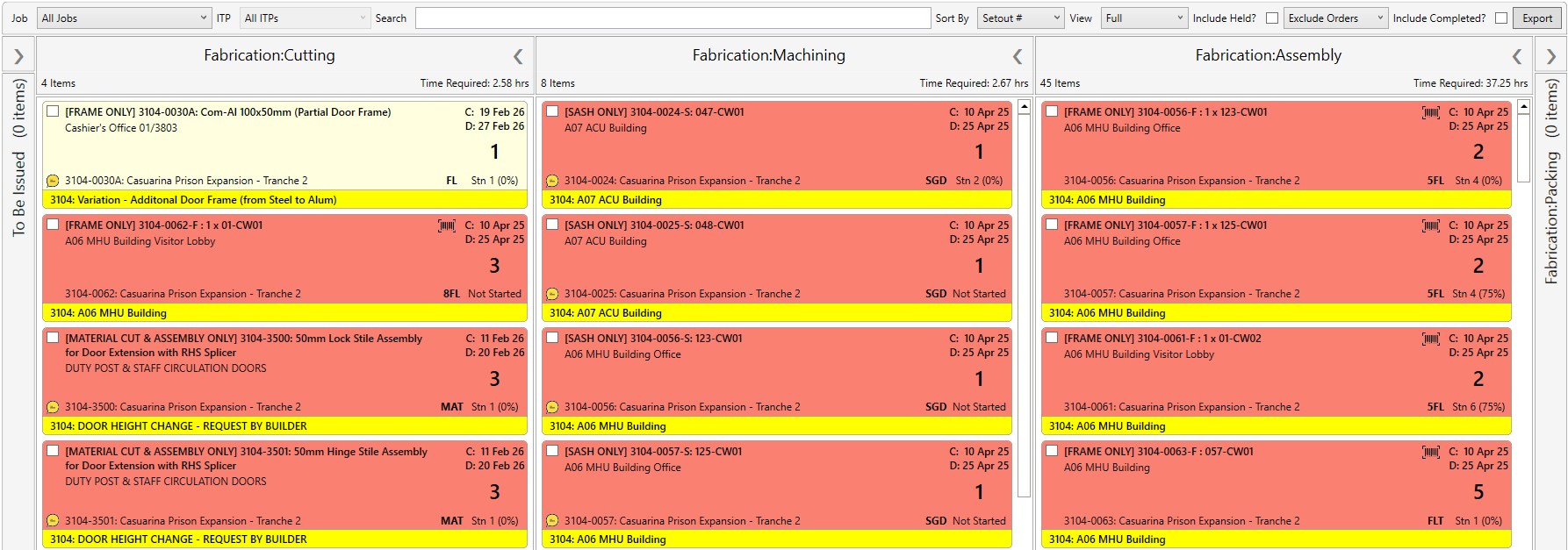
Manufacturing Status
An overview of the packets in different areas and at different completion levels in one factory
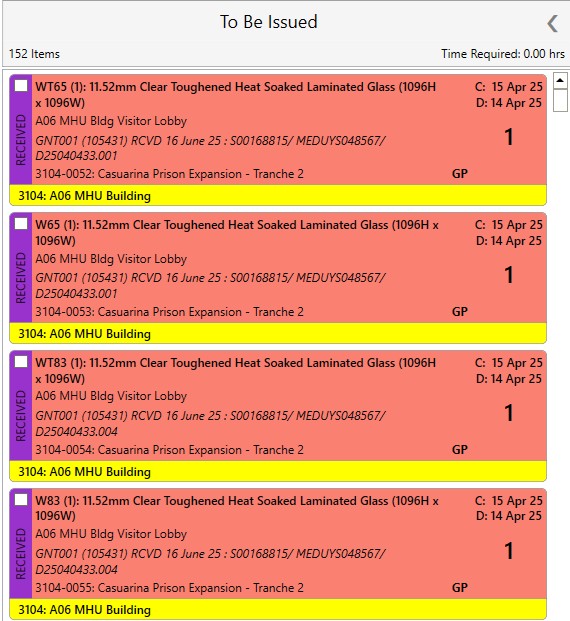
Manufacturing - To be issued
These particular packets have yet to be issued into the factory and therefore have their own column
Manufacturing Status - Comments
Anyone can add comments attached to particular packets via the 'comment' symbol shown
Factory Floor
The factory floor screen shows who is working (station and number), what they're currently working on (marked by yellow tag) and the attached designs, and the work assigned to their station
Factory KPIs
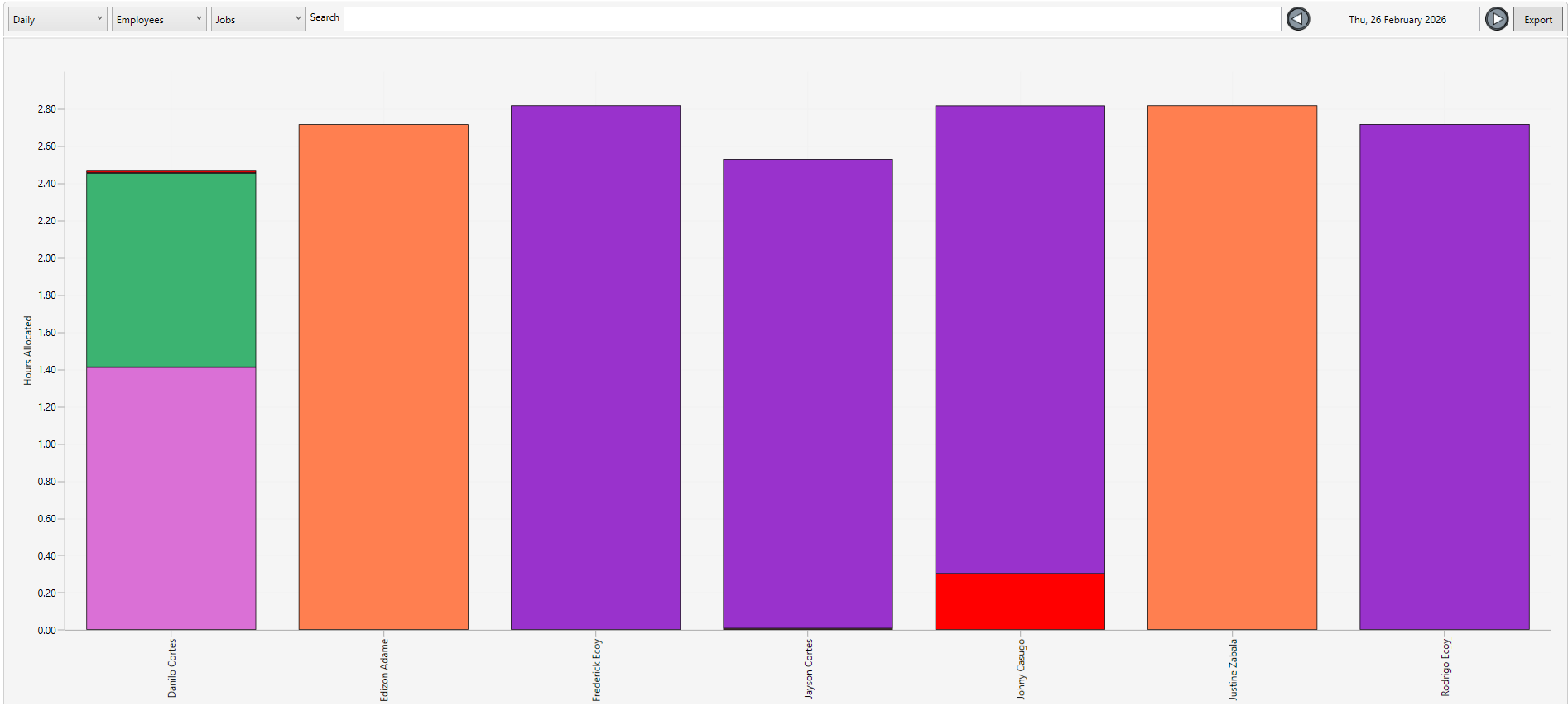
A list of the employees in the factory - the various colours indicate the job they've worked on, while red indicates lost time
Factory Analysis
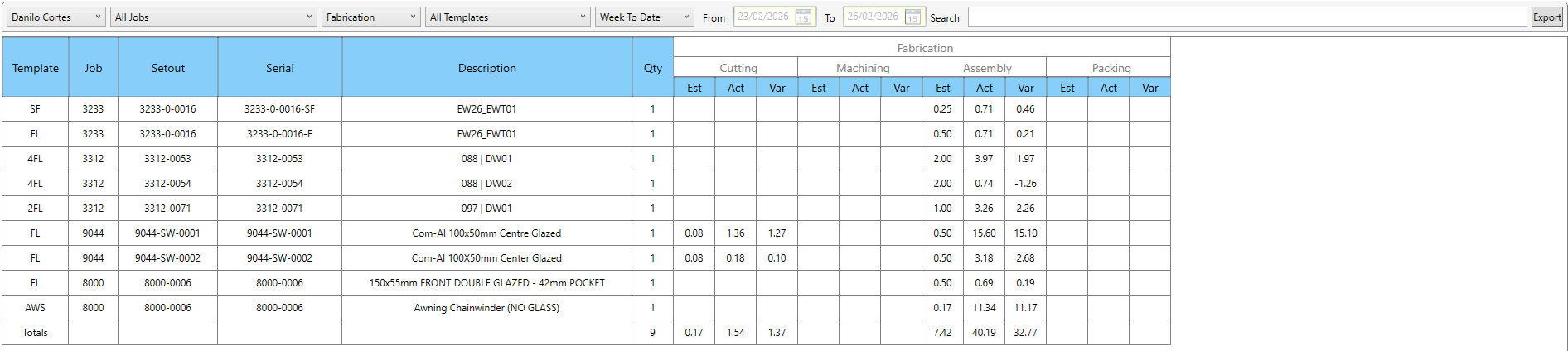
The Factory Analysis screen breaks down the variance between an estimated template of a packet and the actual time it took to manufacture