Configuration and Navigation: Difference between revisions
Jump to navigation
Jump to search
No edit summary |
No edit summary |
||
| Line 4: | Line 4: | ||
| {{{version|Not specified}}} | | {{{version|Not specified}}} | ||
|} | |} | ||
= Showcase = | |||
{{#ask: [[File:+]] | |||
|format=carousel | |||
|limit=10 | |||
|height=400px | |||
|slick-dots=1 | |||
|slick-autoplay=0 | |||
}} | |||
= Configuration and Navigation = | |||
{{TrainingVideo | {{TrainingVideo | ||
| title = Configuration and Navigation | | title = Configuration and Navigation | ||
| Line 37: | Line 51: | ||
| {{{version|Not specified}}} | | {{{version|Not specified}}} | ||
|} | |} | ||
{| class="wikitable" width="100%" cellpadding="8" | {| class="wikitable" width="100%" cellpadding="8" | ||
Revision as of 02:12, 24 April 2026
| PRS Version | Not specified |
|---|
Showcase


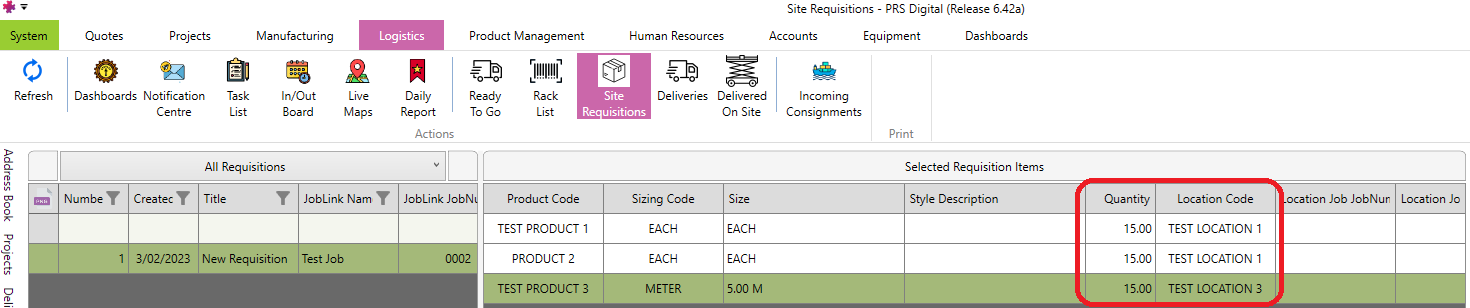
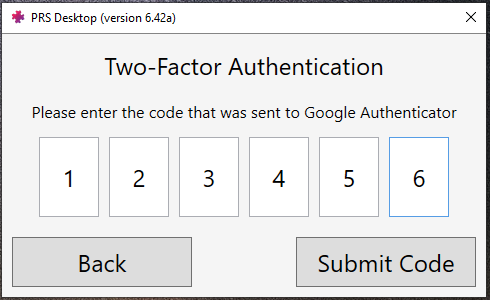



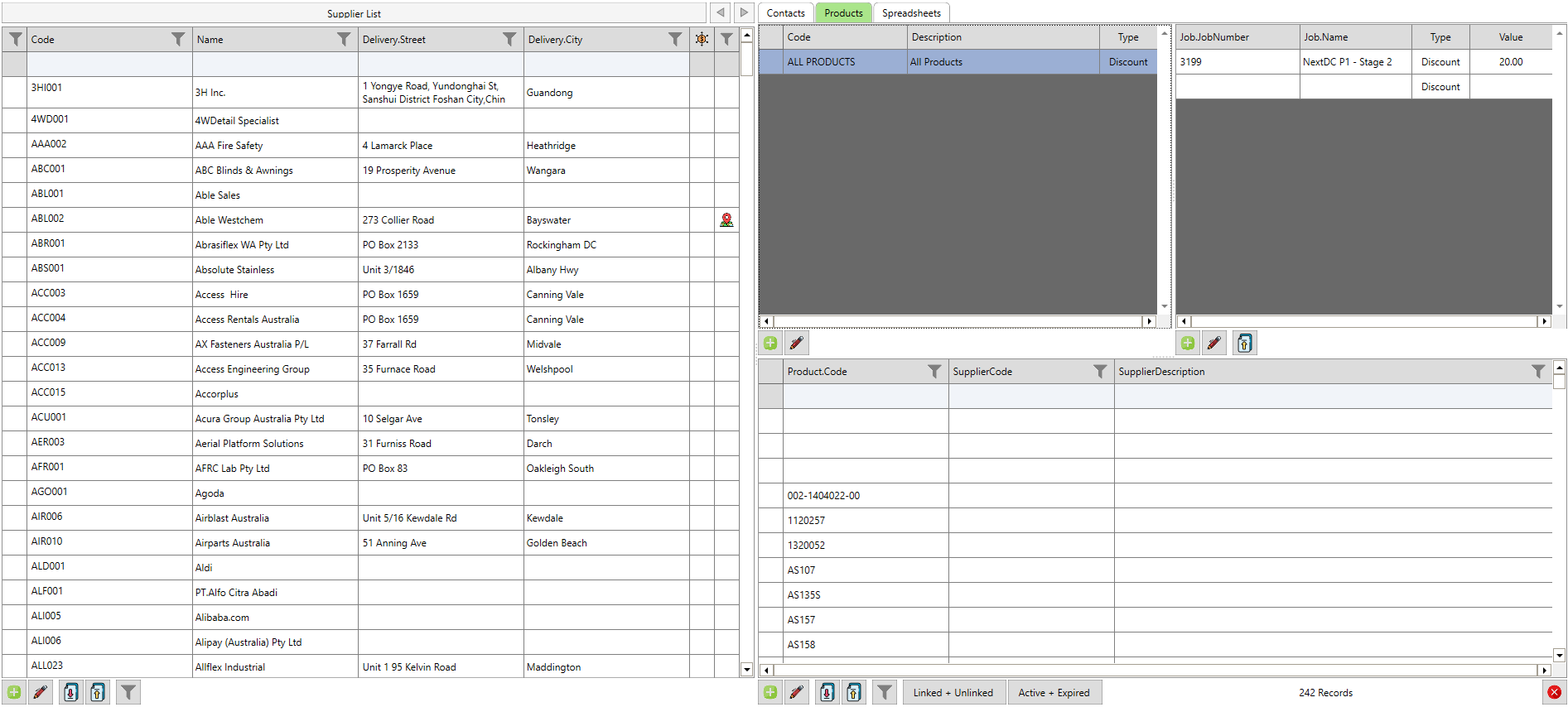
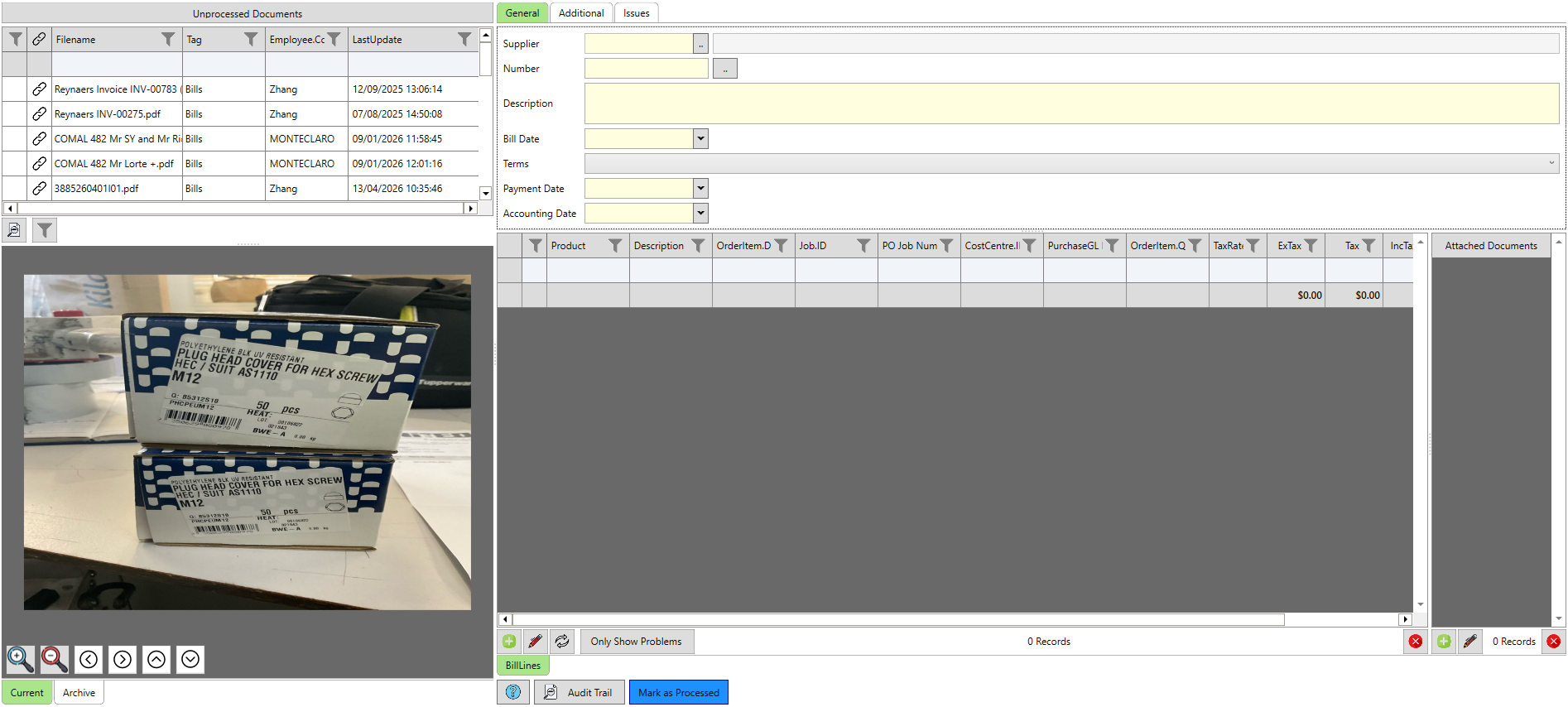
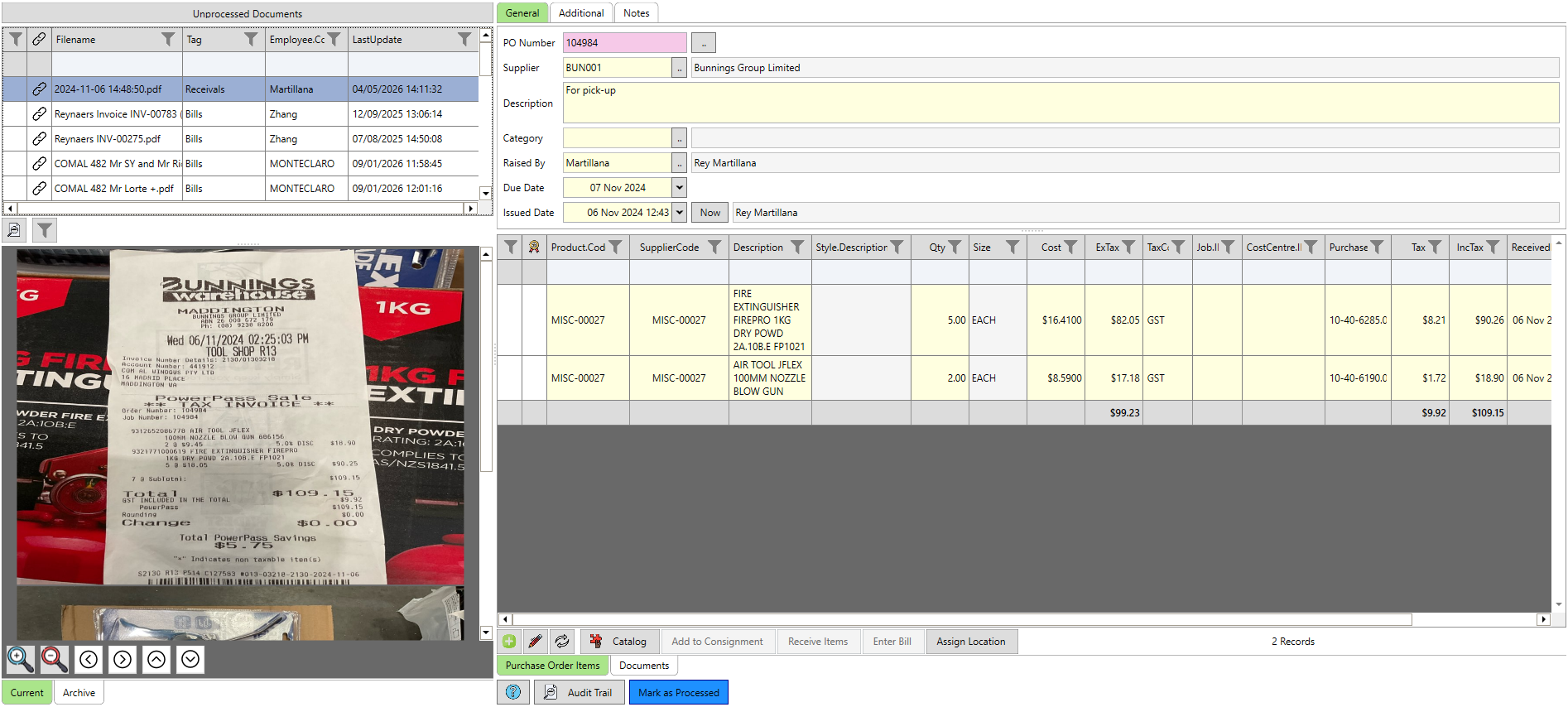
Overview
How to move around PRS — tabs, modules, quick access, and the sidebar — and how to configure grid views with sorting, filtering, split panels, and column selection so each user sees the data they need.
✓ Key Points
- Navigation is built from tabs, modules, sub-modules, quick access, and sidebar.
- The Setup menu is context-sensitive to the module currently open.
- Data is shown in a grid view that can be sorted and filtered.
- Screen-level filters are temporary; managed filters persist across PRS.
- Panels can be moved, collapsed, and resized to suit each user.
- Columns themselves are configurable per user, including custom widths.
📋 Transcript Click any line to jump
0:00 Tabs group PRS modules into functional categories.
0:27 Modules contain deeper sub-module layers of functionality.
2:30 Grid view shows data in sortable rows and columns.
3:18 Filtering data by checkbox, user, or date.
4:10 Managed filters persist across every screen in PRS.
5:06 Split-panel navigation and configurable column widths.
| Version | Not specified |
|---|
| Training Video | |
|---|---|
| Transcript | No transcript available. |
| See Also |